
Business Value
What Creo Toolkit Automation Solves
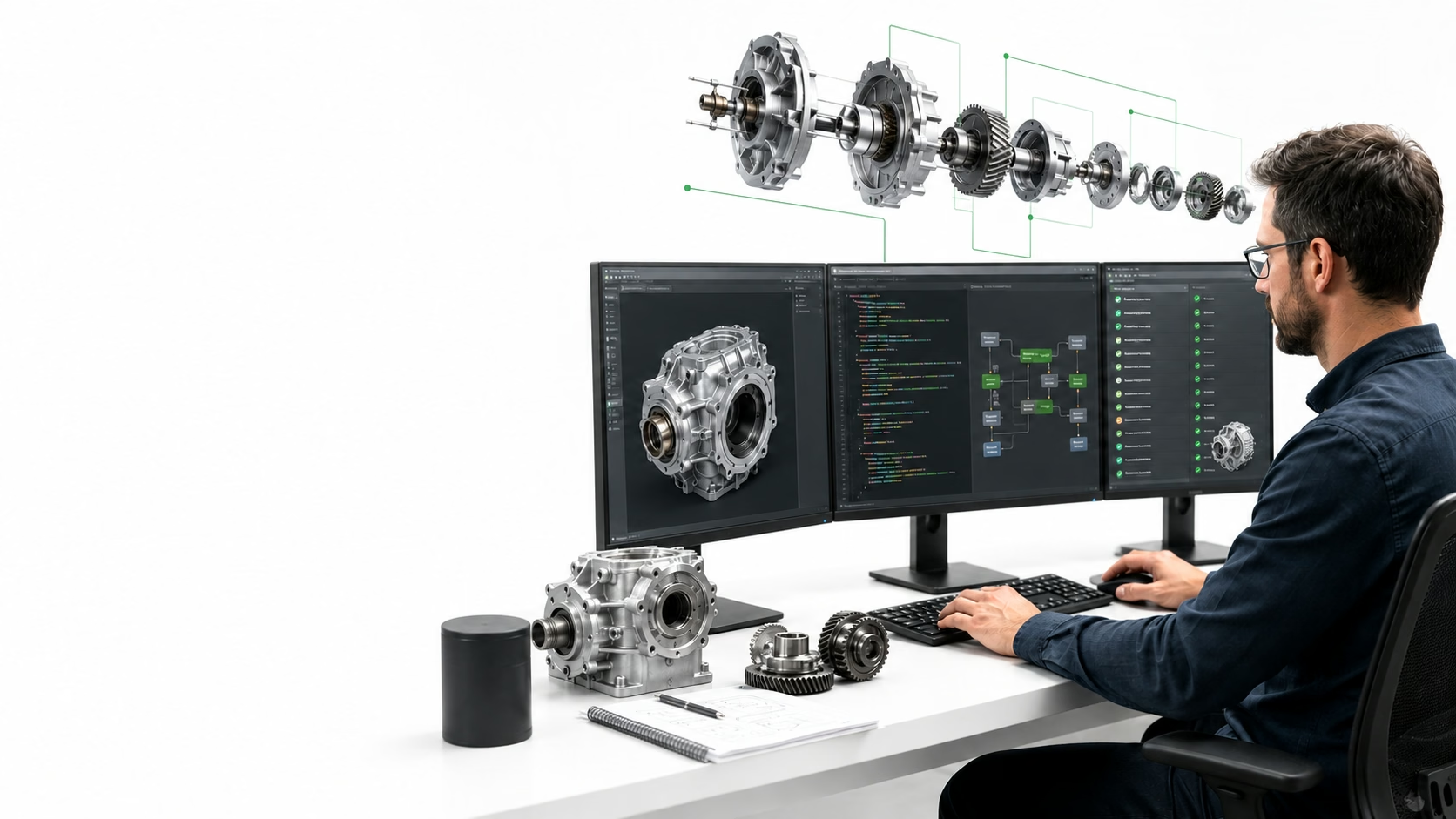
Creo Toolkit automation helps engineering teams reduce repetitive CAD work by turning manual modelling, drawing, validation, and export steps into controlled software workflows. Instead of asking designers to repeat the same sequence for every part, a Toolkit-based application can read parameters, apply standards, generate outputs, and enforce checks inside the CAD environment.
The biggest value appears when the workflow is predictable but time-consuming: drawing generation, bulk model updates, family/table handling, BOM extraction, model-based definition checks, format conversion, and PLM-connected release preparation. These are exactly the areas where small manual differences can create costly downstream rework.
Common Use Cases
Where Automation Creates Measurable Value
Model Automation
Bulk model updates, feature creation, family-table handling, and controlled parameter changes.
Drawing & BOM
Automated drawing generation, annotation updates, BOM extraction, and release preparation.
Validation
Naming, geometry, MBD, parameter, reference, and engineering-standard checks.
Connected Data
Structured CAD extraction, conversion pipelines, PLM integration, and internal web applications.
Delivery Method
Typical Implementation Workflow
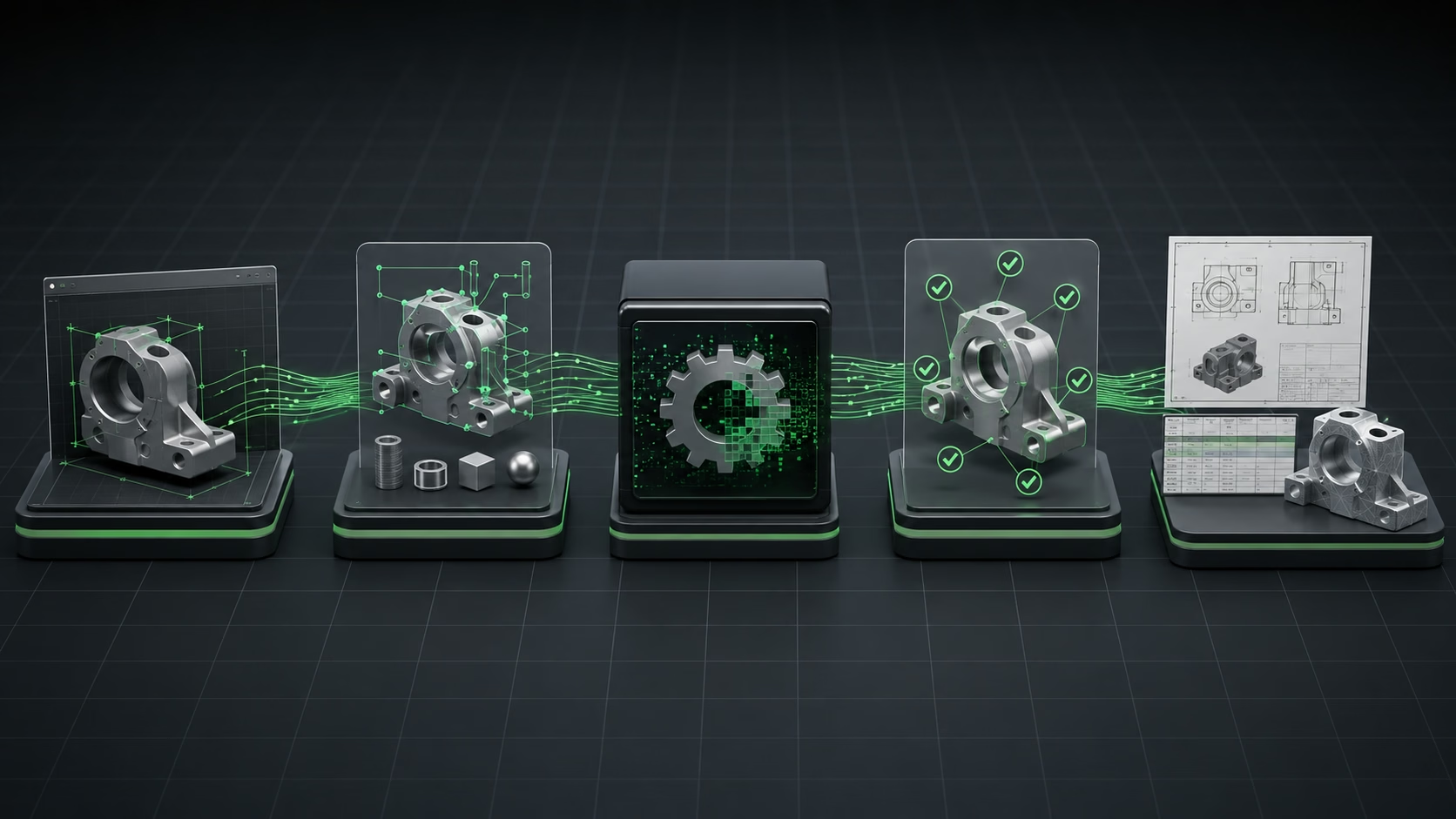
A good automation project starts by mapping the engineering process before writing code. The team should identify the input data, CAD objects, naming rules, validation rules, output formats, approval steps, and exceptions. Once this flow is stable, the Toolkit layer can be designed around predictable commands and user actions.
For enterprise usage, the automation should also include logs, error handling, rollback behavior, version compatibility checks, and clear messages for designers. This makes the tool usable by production teams rather than only by the developer who built it.
Engineering Partner
Where Cadster Helps
Cadster Technologies builds CAD automation and customization tools for engineering teams that need stable, production-grade workflows. Our work includes Creo Toolkit automation, CAD data extraction, drawing automation, model validation, conversion pipelines, and integration with engineering systems such as PLM and internal web applications.